Tesla model X key pairing
Tesla model X key fob programming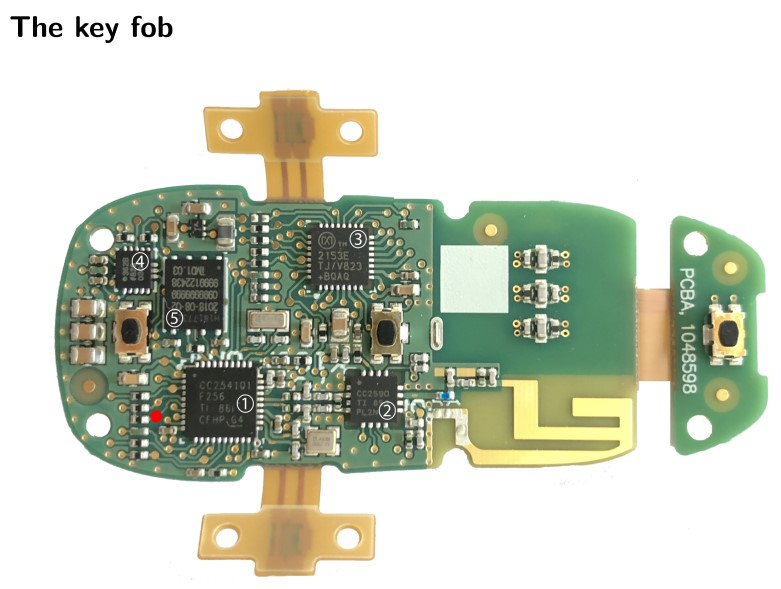
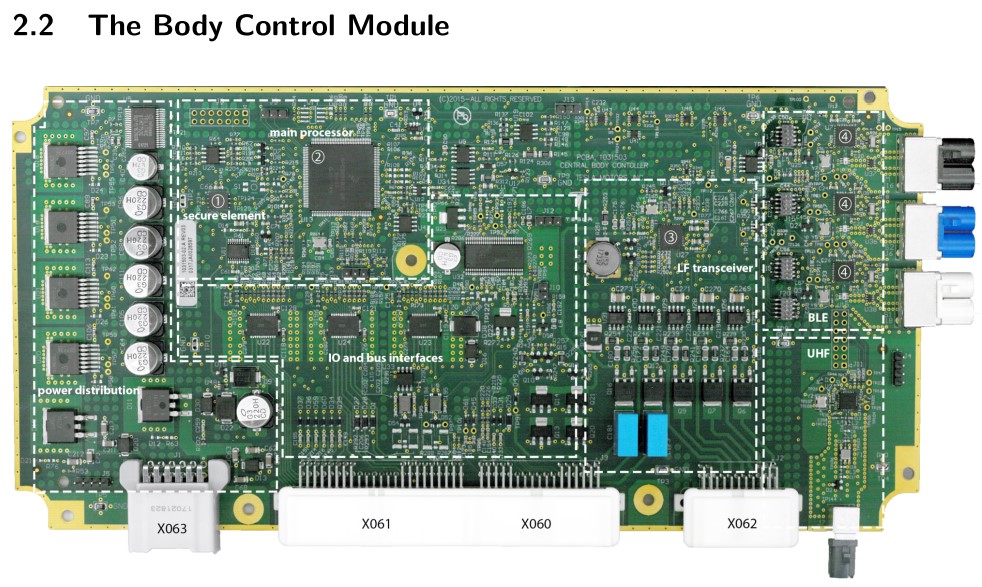
The Model X BCM PCB
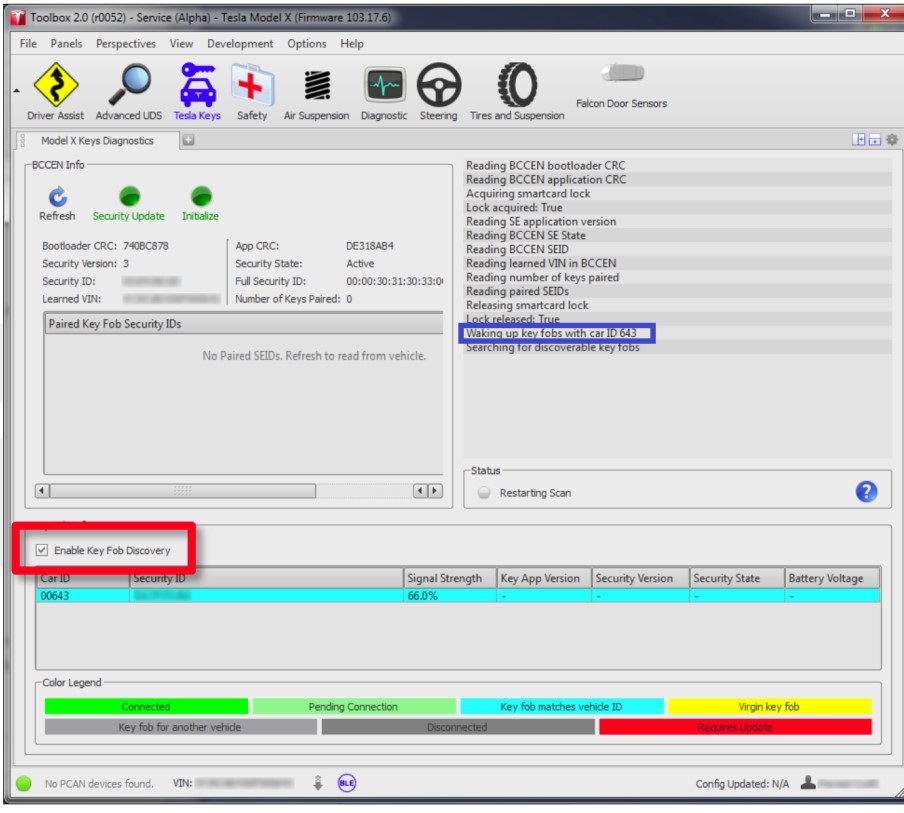
A screenshot of the Tesla Toolbox software. Note that this screenshot indicates that the tool can be used to wake up key fobs (blue rectangle) and that the tool can discover key fobs that are advertising (red rectangle)
The Tesla Toolbox software is a diagnostic tool used by service technicians for Model S and Model X vehicle maintenance. The Toolbox software also implements the key fob pairing routine and thus allows a service technician to pair a new key fob to the car. Under normal circumstances the software runs on a laptop with a USB-to-CAN interface that connects to the diagnostic connector in the vehicle. As mentioned earlier, this allows the software to communicate with the ECUs inside the vehicle.
new 2025 model x
tegra intel
BCCEN on the table
working method with 2025 firmware
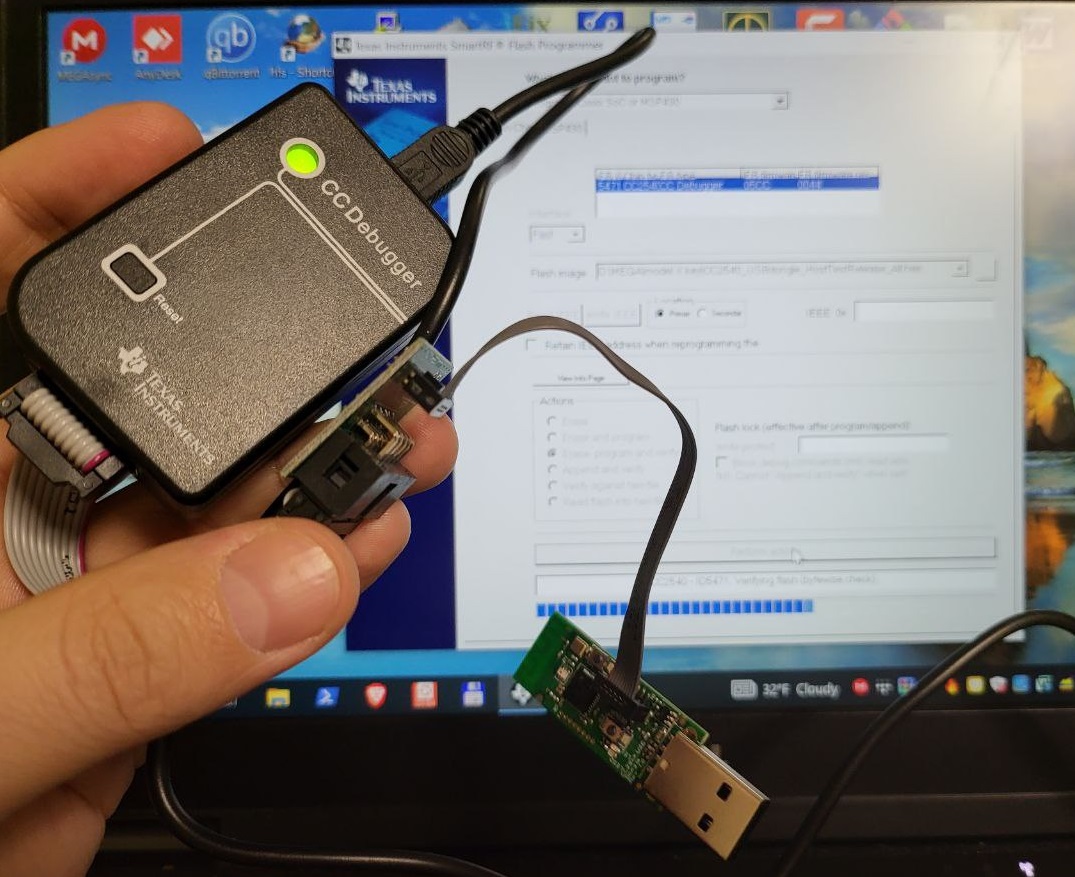
To learn new key fob, you will need:
1) Only new key fob (not used) with new batteries
2) BLE dongle with drivers CC2540
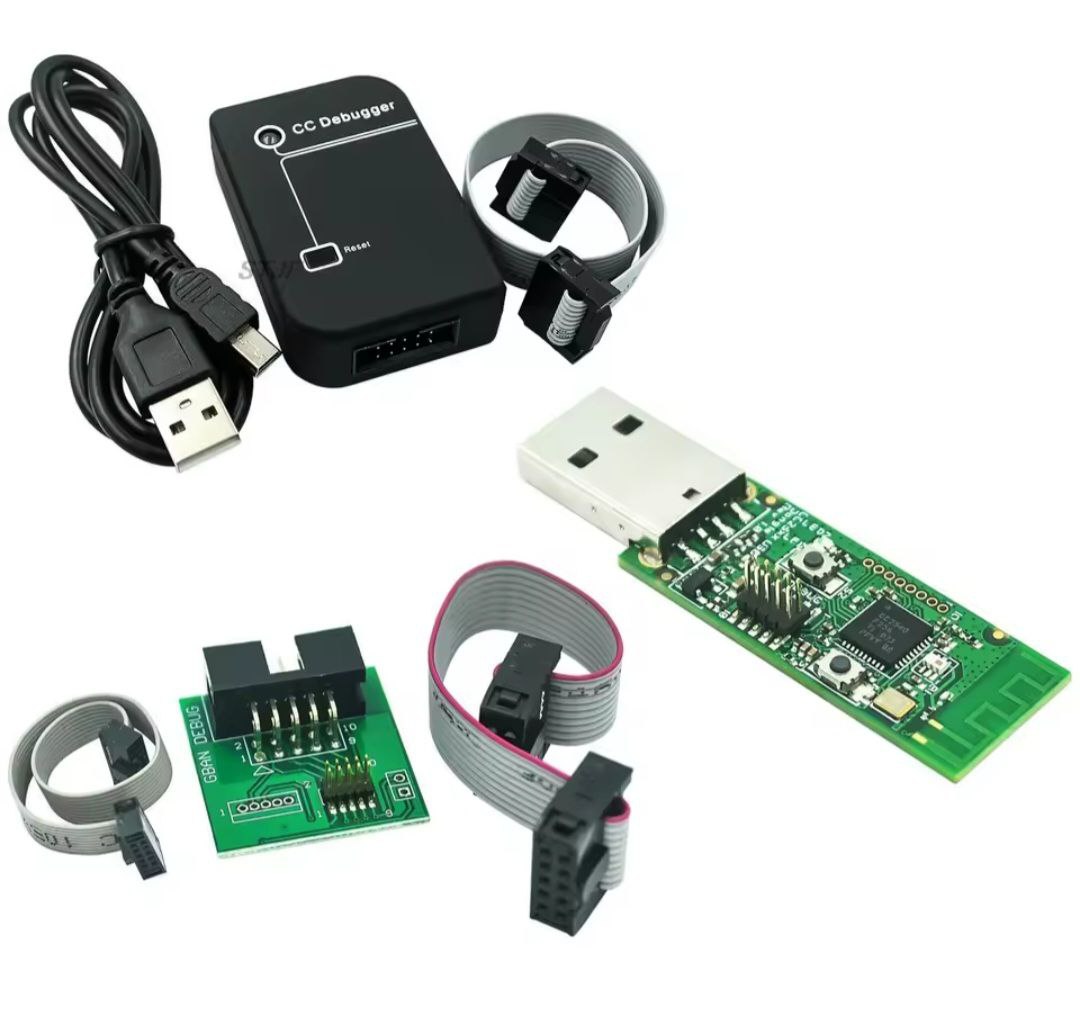
3) ble programmer with all cables on aliexpress (first time)
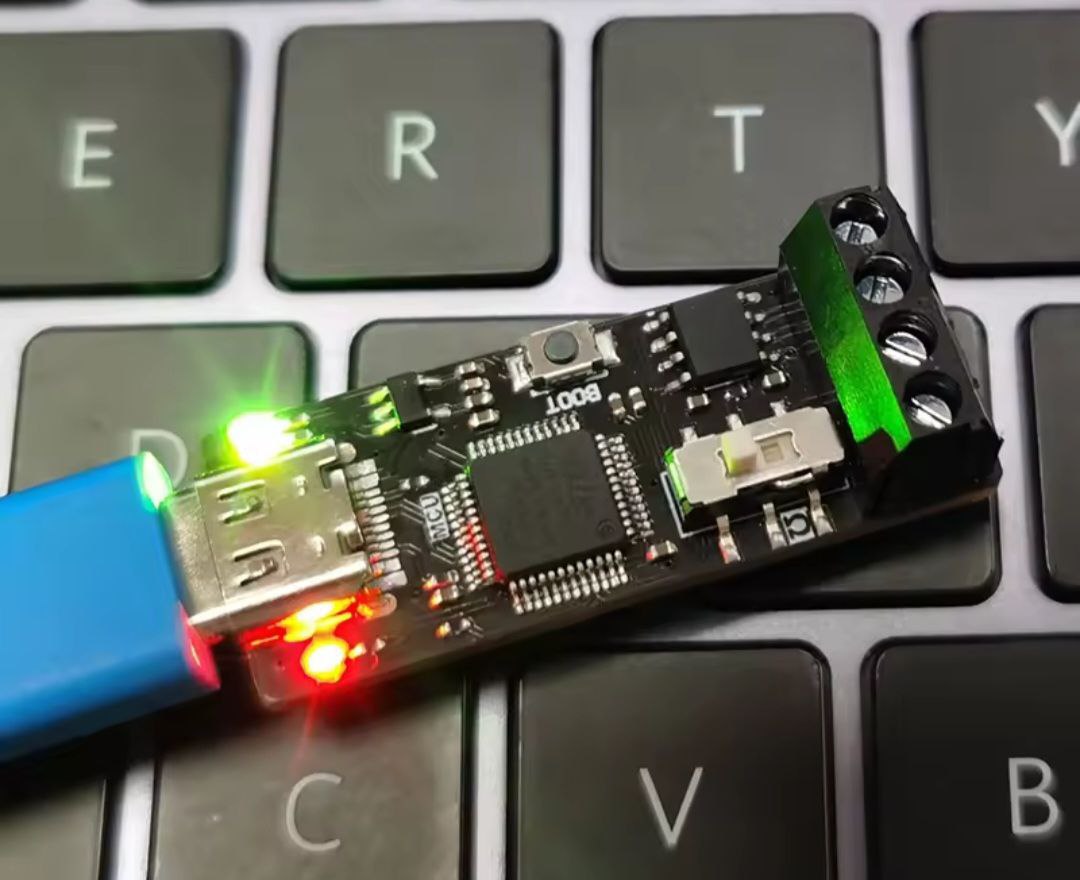
4) pcan usb adapter with drivers
you can buy type c to can canable on aliexpress
5) fakra lan cable (for can redeploy)
6) windows 10 11 PRO laptop with toolbox 2.1 with development function
7) 120 ohm resistor (if BCCEN on the table) intel only
8) 12 v power (if BCCEN on the table) intel only
Before starting the BLE dongle operation it is necessary to prepare it:
1) install drivers for ble adapter
2) upload modelXCC2540.hex to ble adapter with programmer (first time)
3) install pcan usb adapter driver
===================================================
you need to pull out BCCEN and connect it to the table as shown in the photo
run firmware download tool
downgrade BCCEN firmware version
after downgrading BCCEN firmware make bccen power off and power on
open toolbox 2.1
open tab development tools and run python console tab
Press pcan usb adapter (bottom left of Toolbox program)
wait green status (dont send first command if status is orange)
Don't press ble adapter button (bottom left of Toolbox program)
open xke.py file with commands with any txt editor
copy and paste code in parts step by step as in the instructions
press 3 times frunk after sending second command
ctrl C command and past each command with right mouse button and press enter
wait answer >>>
after answer you can continue copy past next command
after sending all commands
make power off bccen and power on
Press ble button toolbox 2.1
after downgrading and adding key, you need to return BCCEN back to the car and run can redeploy
After completing the pairing procedure, you need to restart the car by 12v and 400 v loop and read the list of keys to ensure the pairing was successful.
If you need to bind multiple keys, you should repeat the procedure for each of them
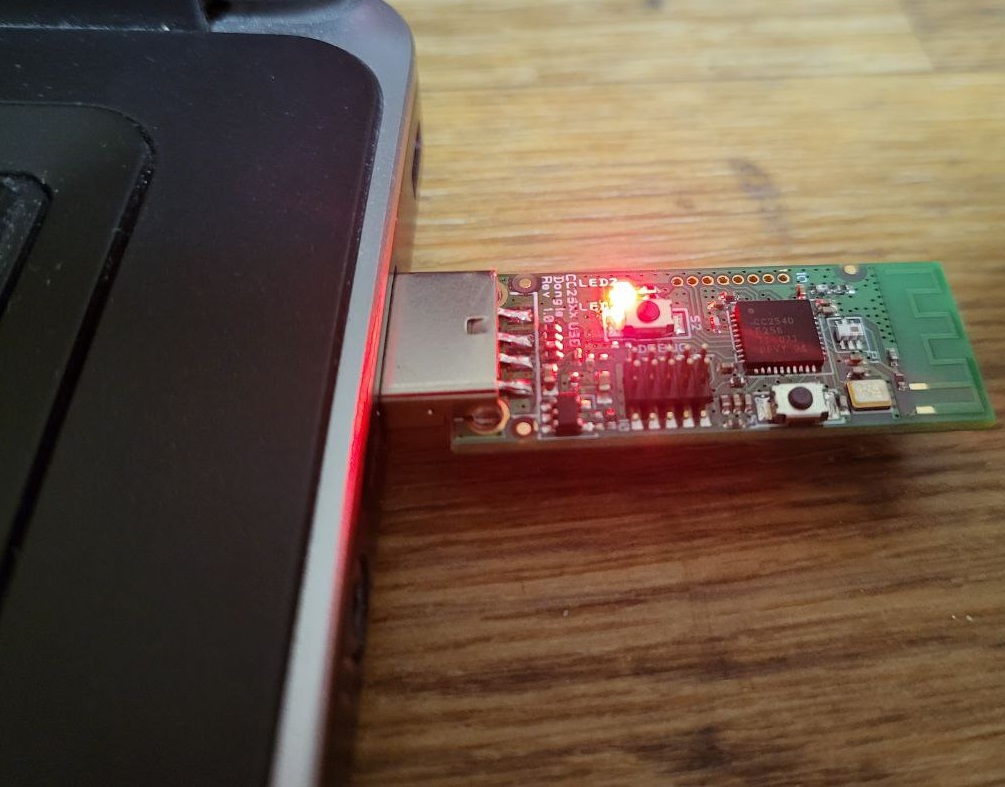
- buy cc2540 adapter kit with programmer
- new model x key
- pcan usb adapter
- fakra lan cable
- 120 ohm resistor
- 12 v power
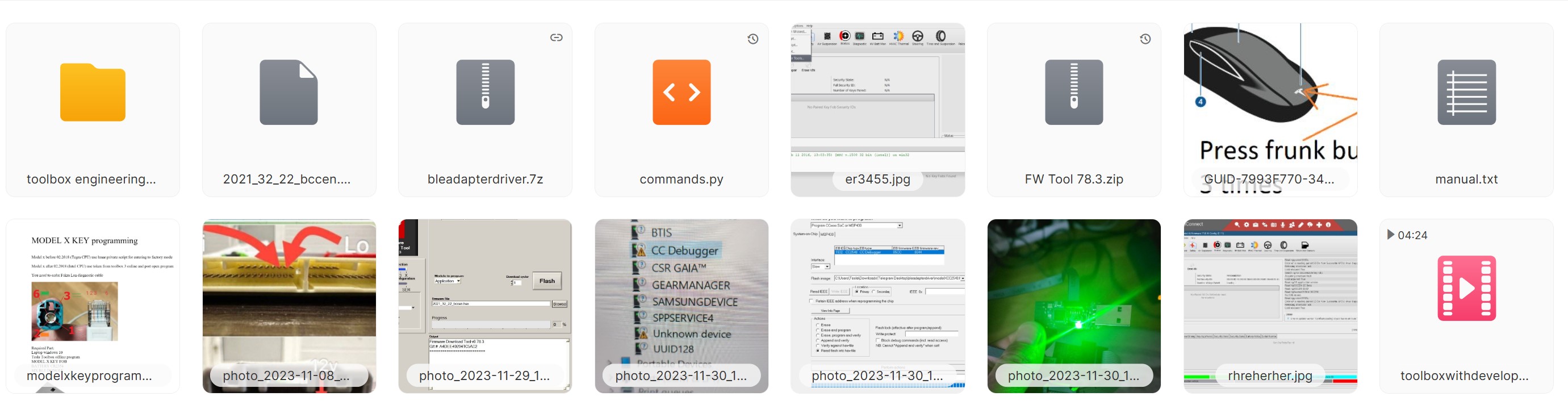
after payment you will get:
1) anydesk support
2) toolbox 2.1 offline developer version
3) screenshots manual
4) txt manual
5) step by step python commands
6) files
ask full method price
or
order key service online:
WhatsApp:
+38 050 809 2007
include anydesk support
Telegram:
@hddhelpcomua
 Full Self-Driving (Supervised)Автопілот веде авто у реальному міському потоці.
 FSD на трасіПерестроювання та дистанція на швидкості.
 Складні сценаріїРеакція на те, чого немає у правилах руху.
 Actually Smart SummonАвто саме виїжджає з паркомісця до вас.
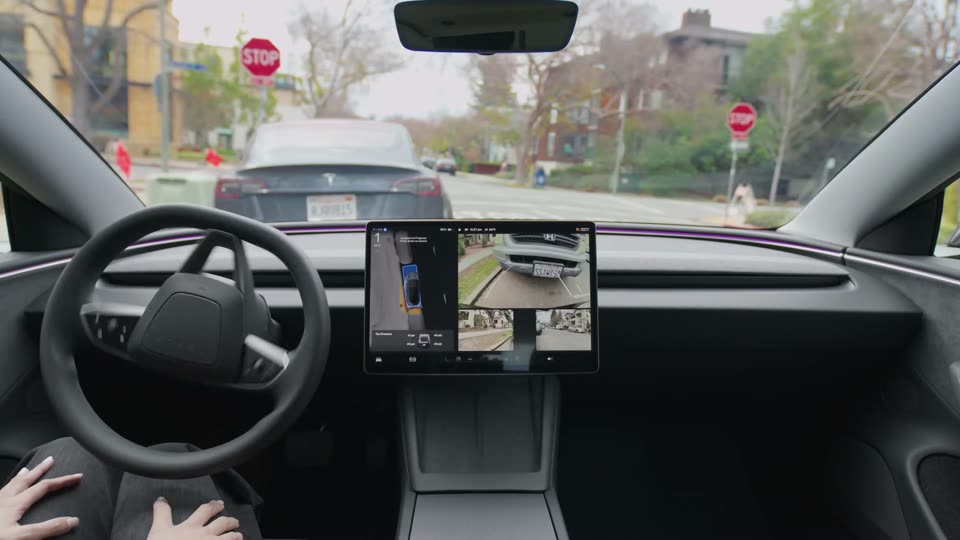 AutoparkАвтоматичне паркування в один дотик.