tesla roadster diagnostic program
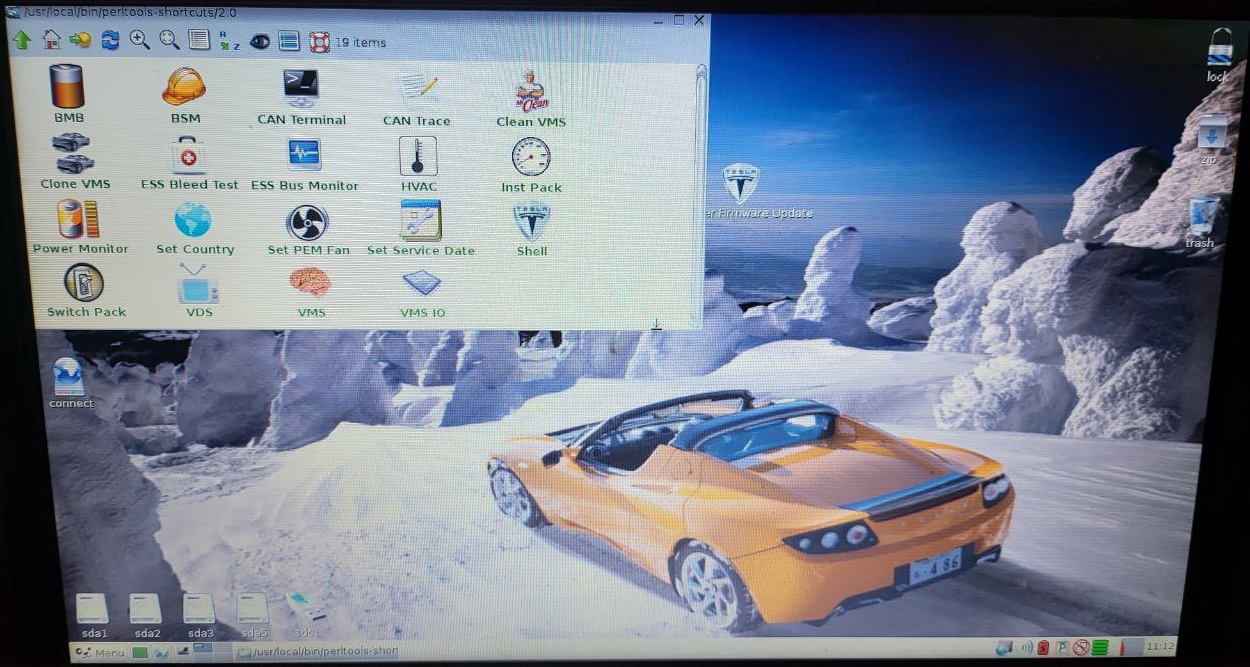
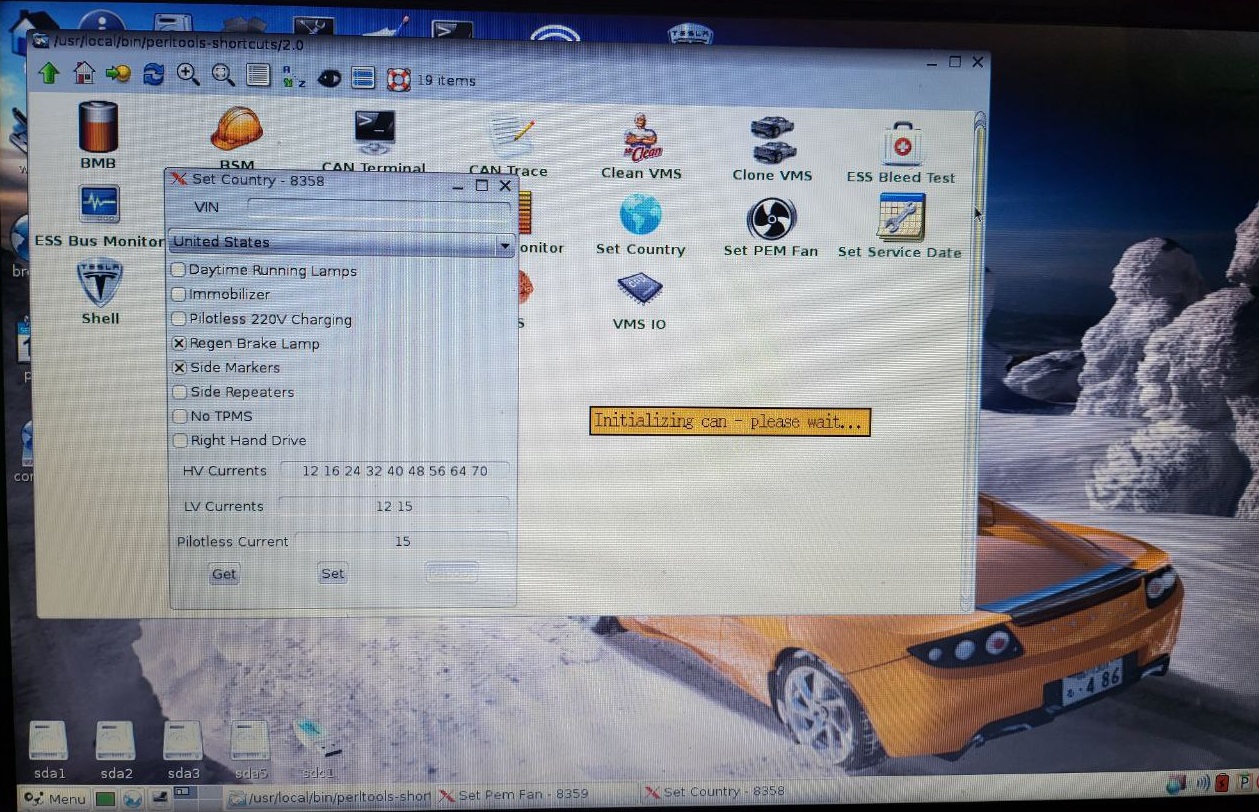
You can diagnostic BMB
You can diagnostic BSM
You can diagnostic CAN trace
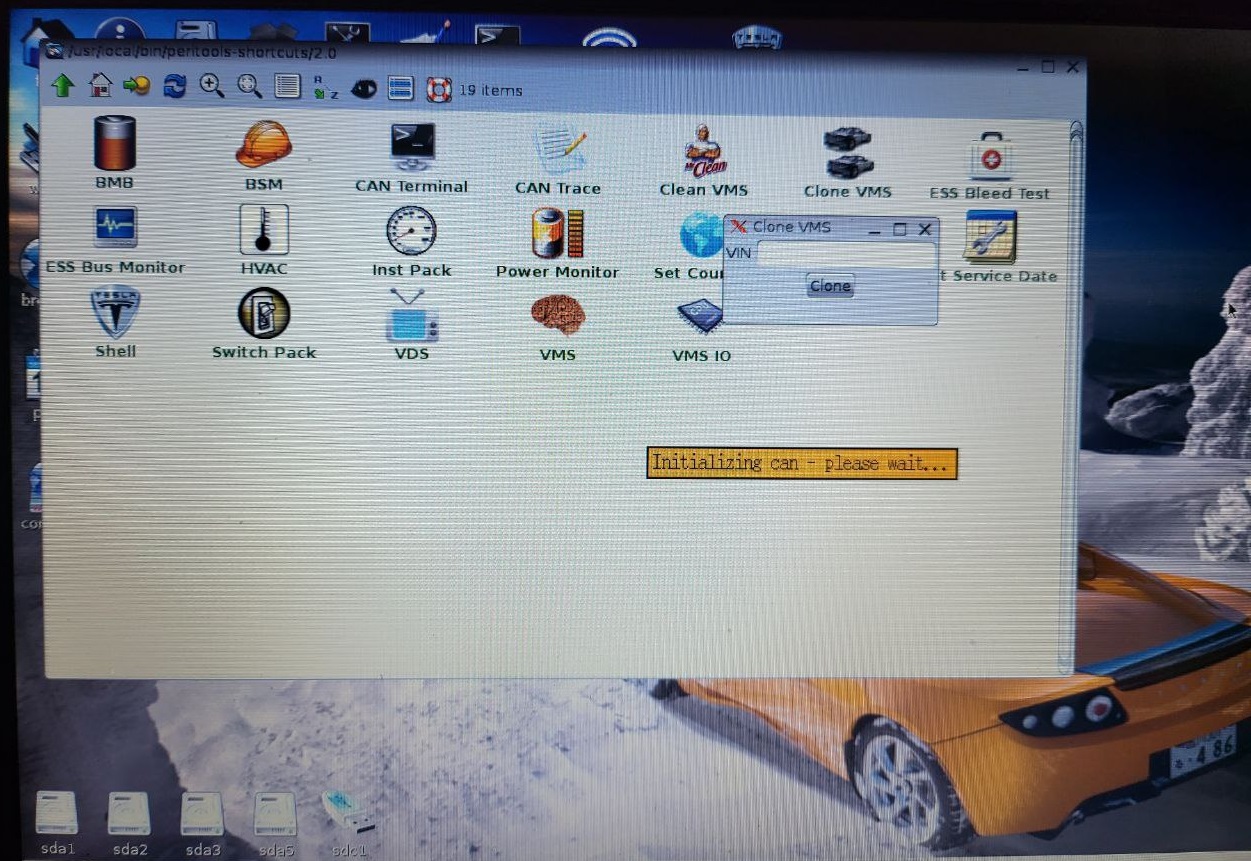
You can clone VMS
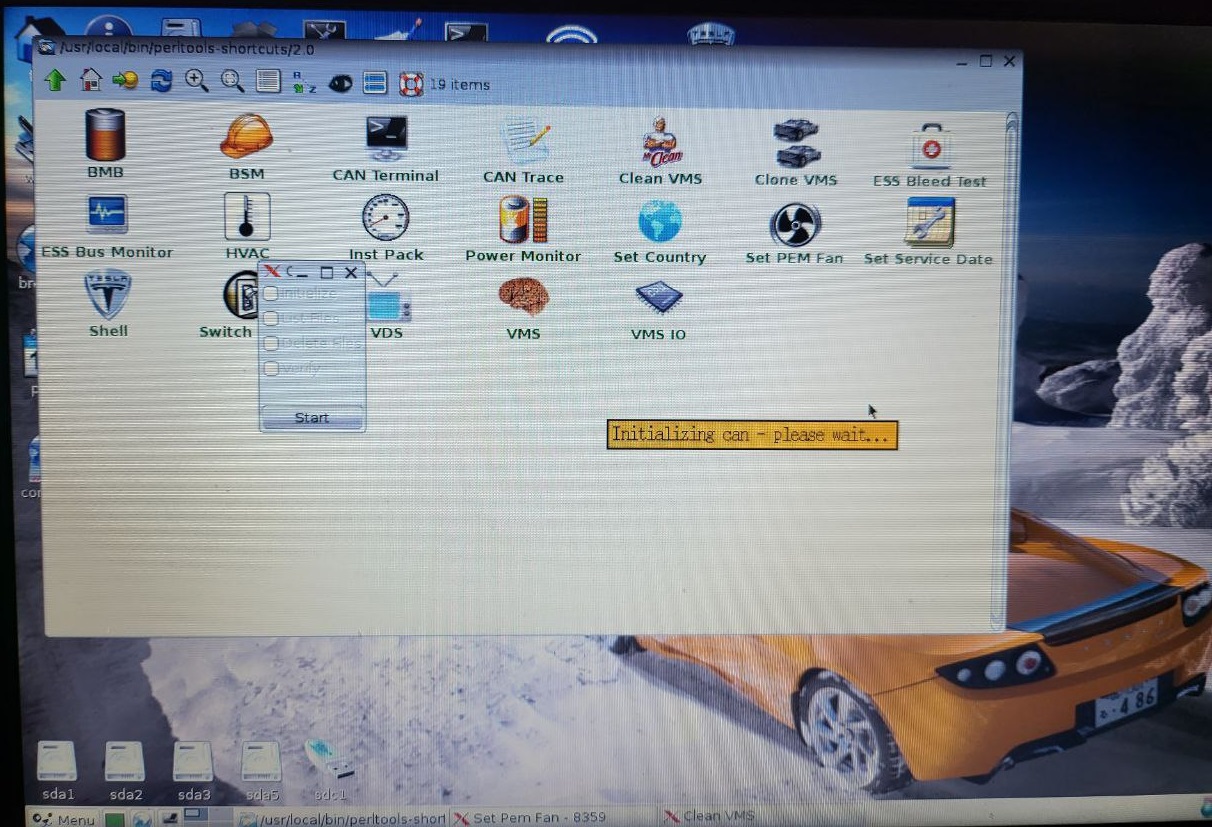
You can make ESS Bleed test
You can diagnostic HVAC
You can diagnostic Power monitor
You can set country
You can set pm fan
You can make switch pack
You can diagnostic VDS
You can diagnostic VMS
You can diagnostic VMS IO
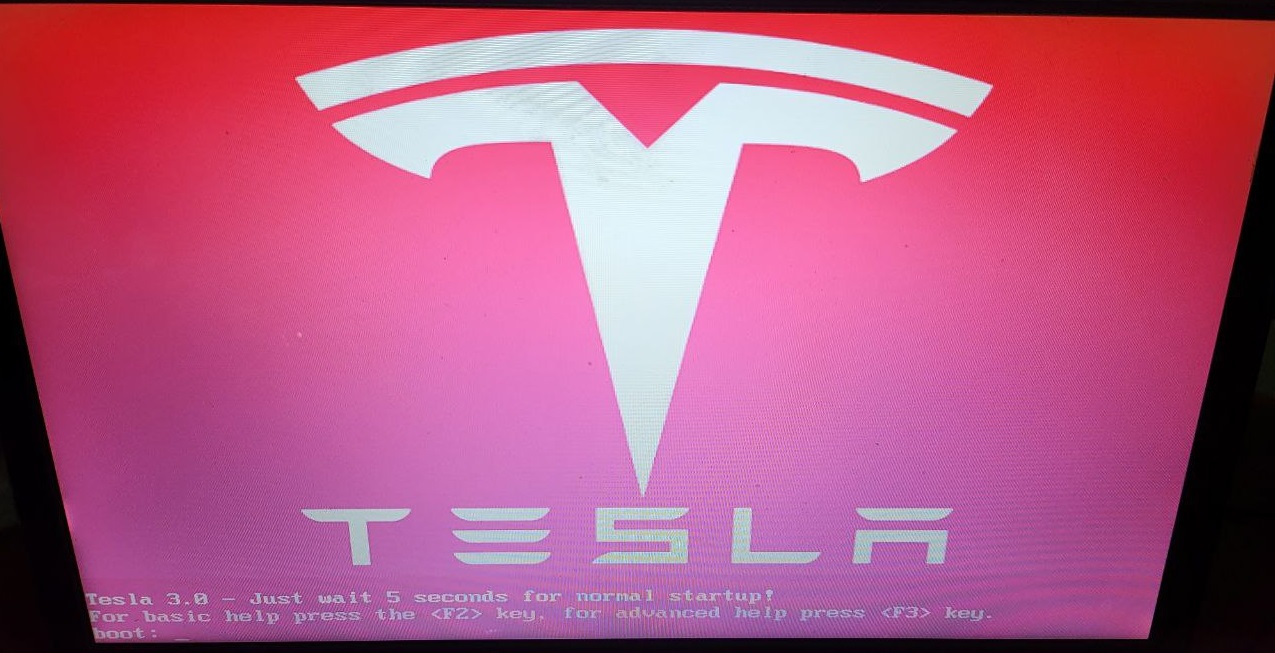
tesla roadster program perfectly writes to a USB flash drive with rufus
and run automatic from USB flash drive from any laptop
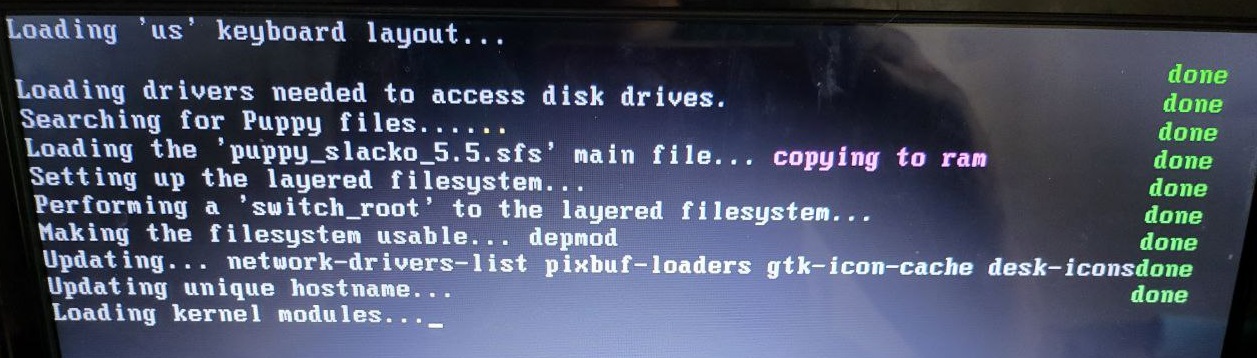
This is Puppy Suite linux
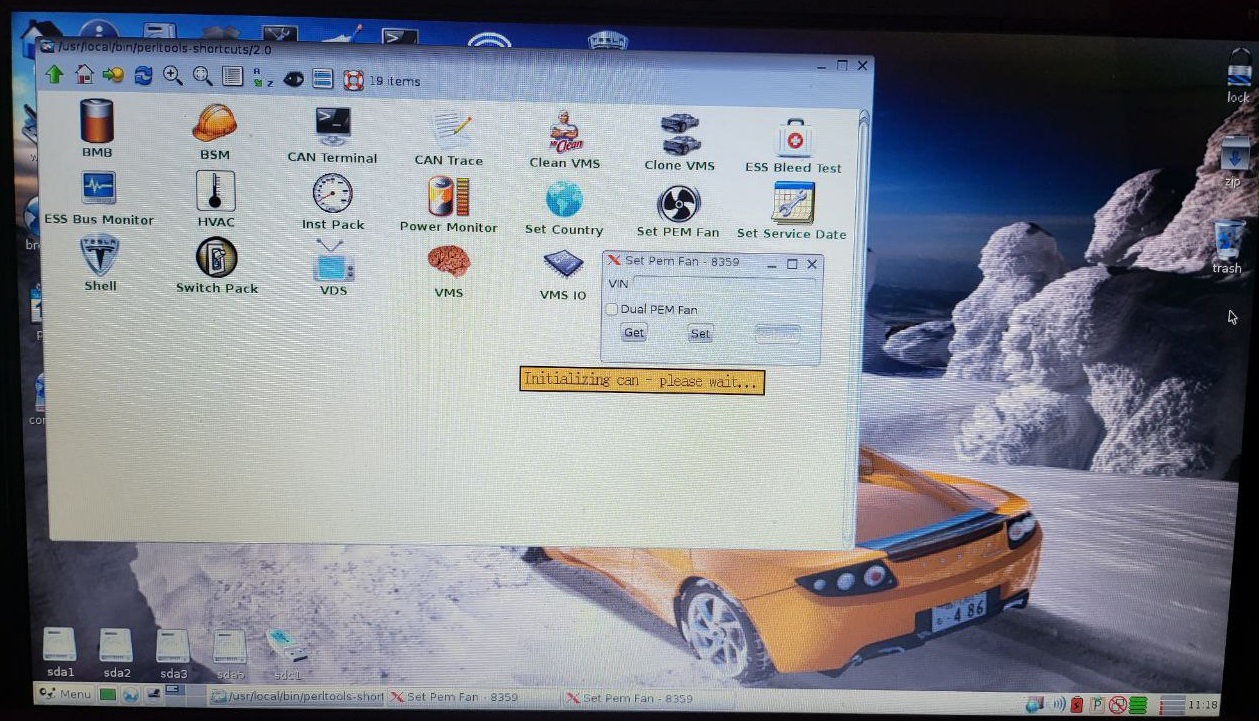
Bleed Test Log Analysis
This tool provides post-processing options for Bleedscan logs created by the Linux perltools bleedscan tool.
Postprocessing options are
- Check for roadster TVSH high impedance
- Check for roadster BMBs not bleeding
- Check for oadster pack imbalance
- Attach logs in report
Multiple files can be processed at once.
All files to be processed must be located in the same directory (not in sub-folders).
INSTRUCTIONS
Click the "Start Analysis" button
In the window that appears, select which analyses you would like to run. By default, all options are checked.
Click Select Logs. A file selection box appears. Navigate to the folder where your files are located. Select the file(s). Use Ctrl or Shift to select multiple files if needed. Then click Open.
The Files Selected line in the dialog box now displays the number of files you selected. If this is correct, click Process Logs.
Files will begin processing one by one, and the Excel program window will flash as the macro analyzes your logs. The Files Processed line in the dialog box will show how many logs have been processed so far.
If at any time you need to pause or cancel the analysis, click "Esc" on your keyboard. A popup will ask you to confirm the abort before terminating the analysis.
RESULTS
If the checkbox "Attach logs in report" was selected, each log that is processed is retained on its own tab. Tab colors represent what was found in that log:
RED: found high impedance voltage sense lead
BLUE: found BMB not bleeding
PURPLE: found at least one of both of the above failure types
Details of what was found in each log are summarized in a list in the Overview tab. This list can be sorted and/or filtered by any column (click on column heading for options).
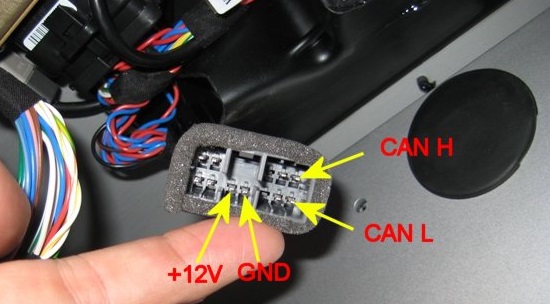
to work you need to connect pcan usb adapter
You can buy adapter from this link
driver for pcan will be automatically loaded
You can buy roadster program
with paypal
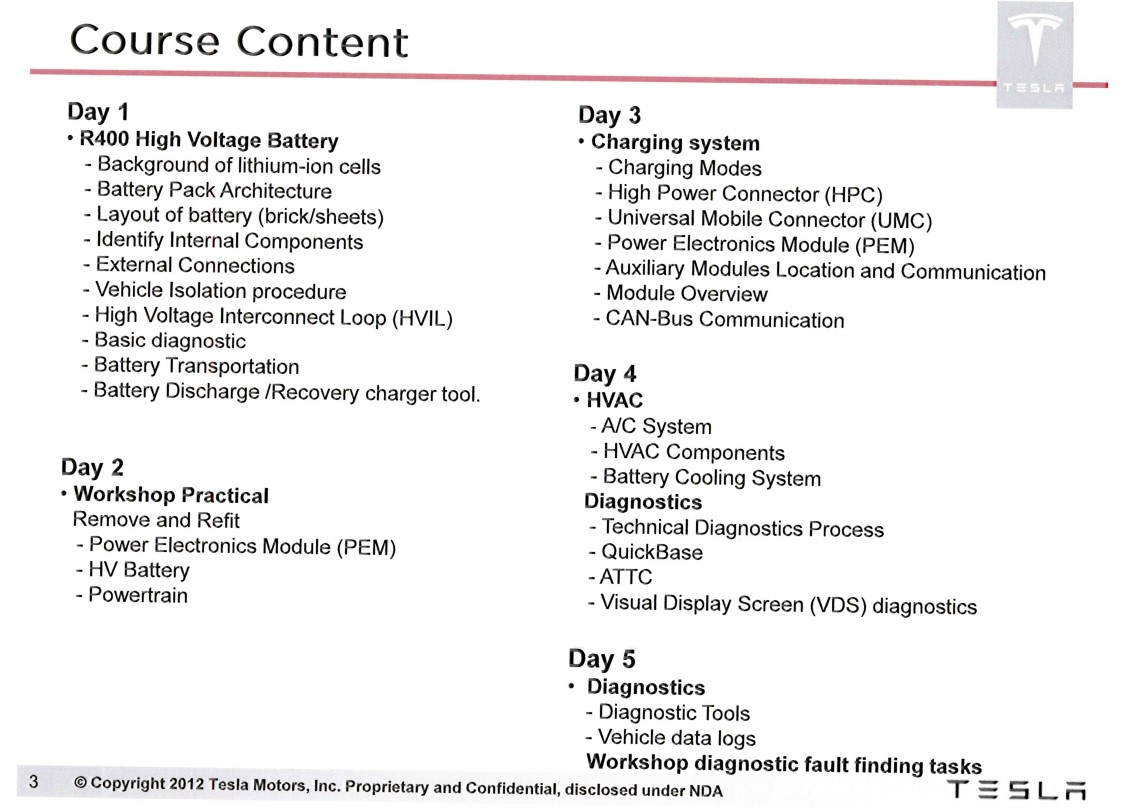
you will receive bonus presentation 141 pages
tesla roadster service technical training course
Telegram:
@xboxoneboss1
WhatsApp:
+38 050 809 2007
AUTOPILOT / FULL SELF-DRIVING
Tesla Autopilot у дії
П'ять оригінальних роликів Tesla про те, як працює Full Self-Driving. Відео завантажується лише після натискання Play.
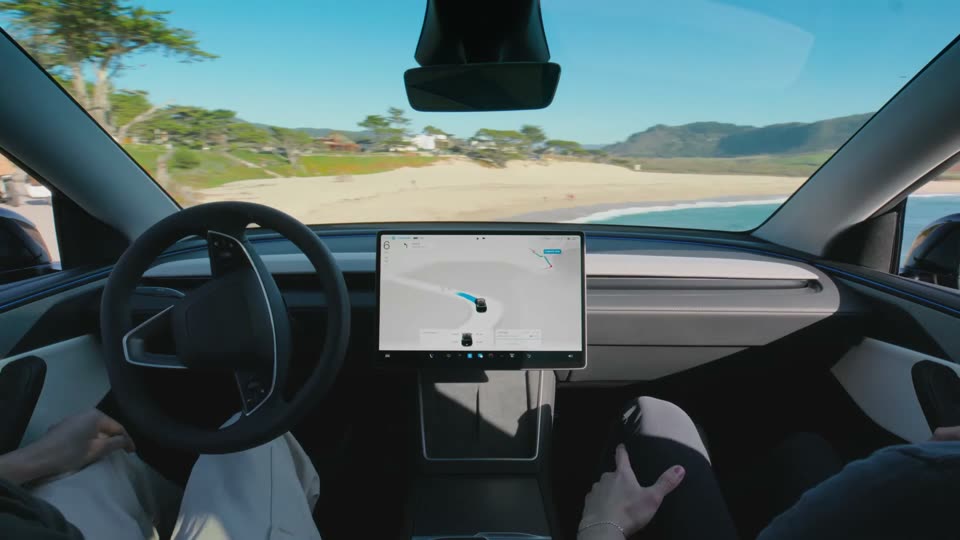 Full Self-Driving (Supervised)Автопілот веде авто у реальному міському потоці.
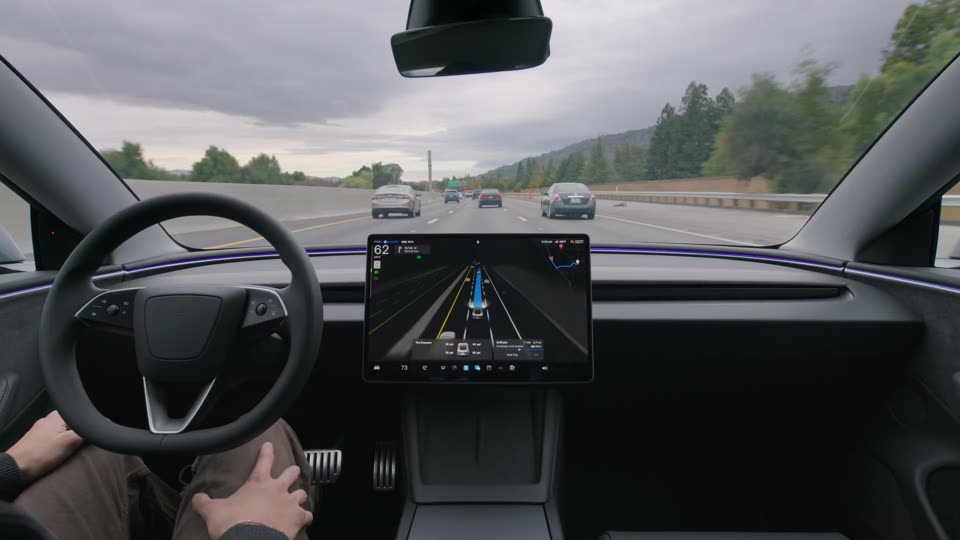 FSD на трасіПерестроювання та дистанція на швидкості.
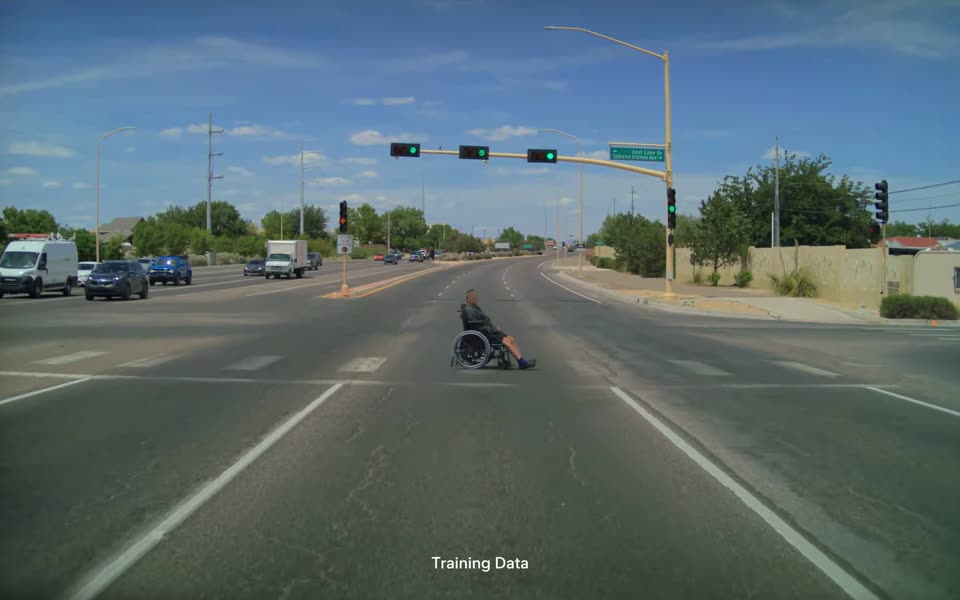 Складні сценаріїРеакція на те, чого немає у правилах руху.
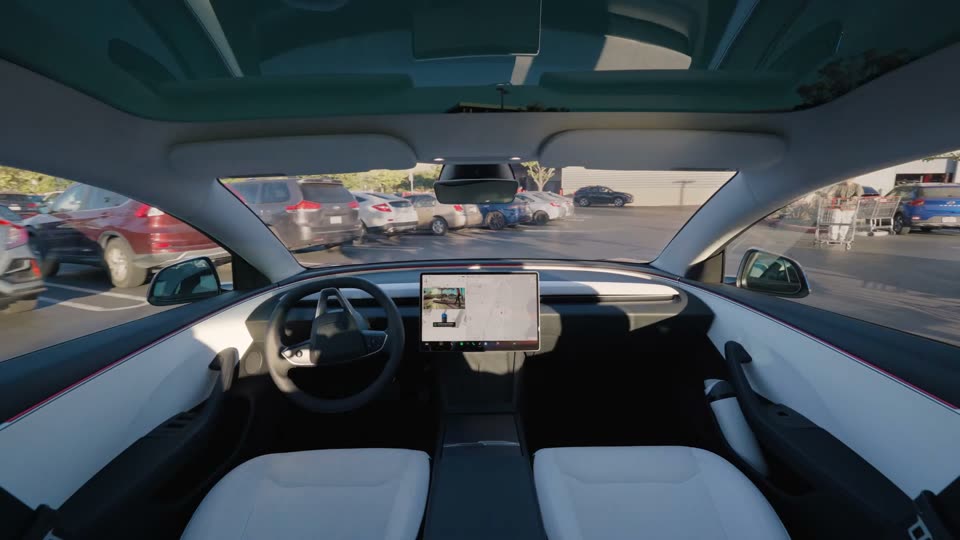 Actually Smart SummonАвто саме виїжджає з паркомісця до вас.
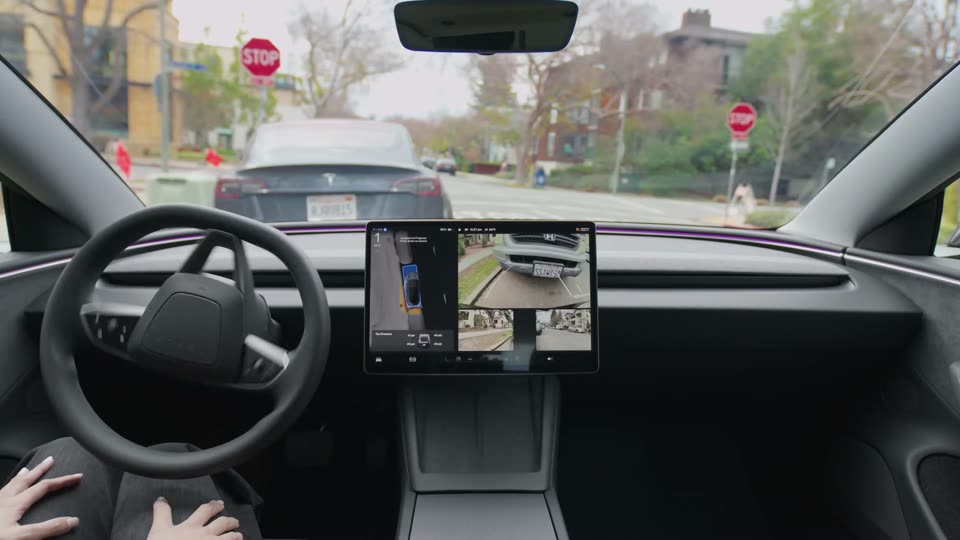 AutoparkАвтоматичне паркування в один дотик.