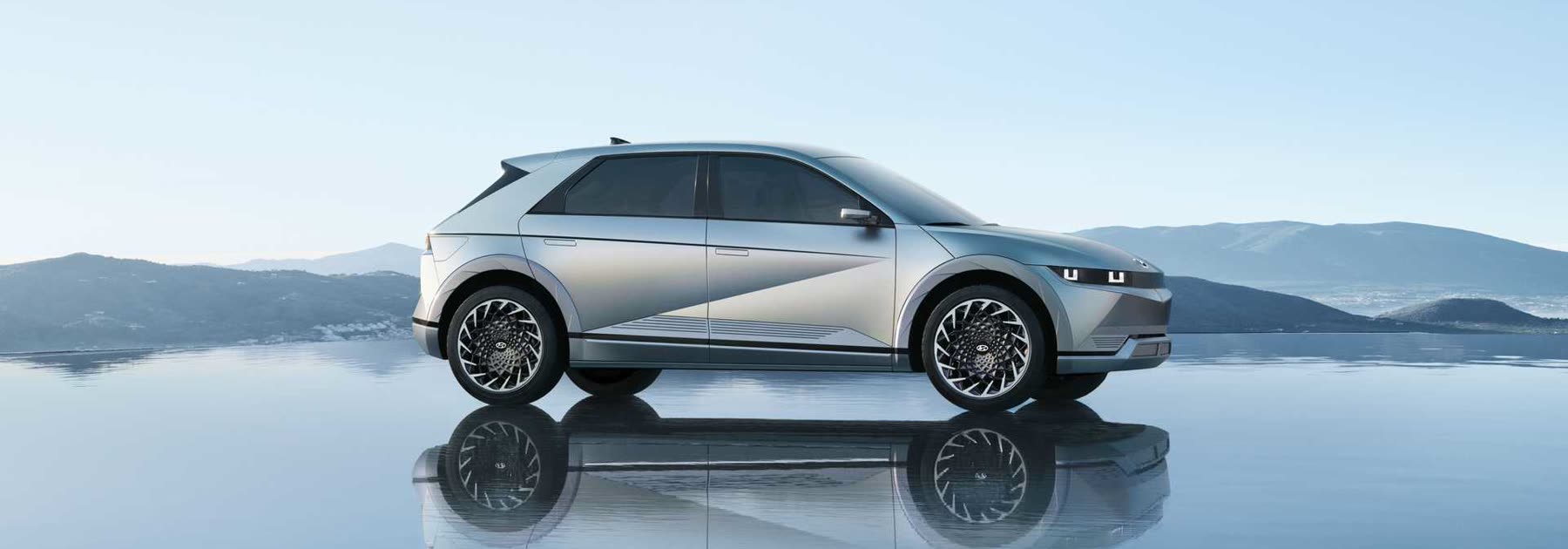
Hyundai, Kia and Genesis EVs imported from Korea or the USA arrive with a Korean interface, a home navigation region and telematics that simply does not work in Ukraine. We make the car usable here.
Models we work with
- Hyundai Ioniq 5, Ioniq 5 N, Ioniq 6, Ioniq 9, Kona Electric
- Kia EV3, EV5, EV6, EV9, Niro EV
- Genesis GV60, GV70 Electrified, GV80, G80 Electrified
The ccNC and GEN5 / GEN5W head units are the most common on these cars.
Infotainment localisation
- Head unit interface in Ukrainian, Russian or English
- Instrument cluster and head-up display localisation
- Correct date, time, time zone and measurement units
- Language restored after a firmware update
Navigation and maps
- Offline European maps instead of the Korean ones
- Wireless Apple CarPlay and Android Auto — Waze and Google Maps on the built-in screen
- Head unit firmware and map updates over USB
One honest caveat: on ccNC the Korean navigation cannot be fully converted to the European region — Korea uses a different map provider. So we cover routing with European maps and CarPlay instead of promising the impossible.
Charging
- CCS1 → CCS2 adapter selection: Korean and US cars ship with a different connector
- Charge limits, schedule and battery preconditioning setup
- Charging and BMS fault diagnostics
Telematics and keys
- Disabling Bluelink and Kia Connect — outside the home region they only throw errors
- Adding keys, NFC cards and the digital key
- Installing a Ukrainian carrier SIM
Diagnostics and setup
- Reading and clearing faults, module programming and pairing
- Engineering menu and driver profile activation
- Camera and built-in dashcam setup
- TPMS sensor programming, adaptations and calibration
Flat 12 V battery
A common situation on imported EVs: the traction battery is charged but the car will not unlock. There is a hatch in the bumper with two wires for external 12 V power — once power is applied the doors unlock. Jump-start from a source up to 14 V and 10 A; do not use batteries with a higher voltage.
Services offline in Kyiv. Part of the localisation and setup work can be done online — check for your specific car and firmware version.